Edit network
Note
To create and delete a network, as well as view and change settings, you need SOC administration rights.
Proceed as follows to change a network:
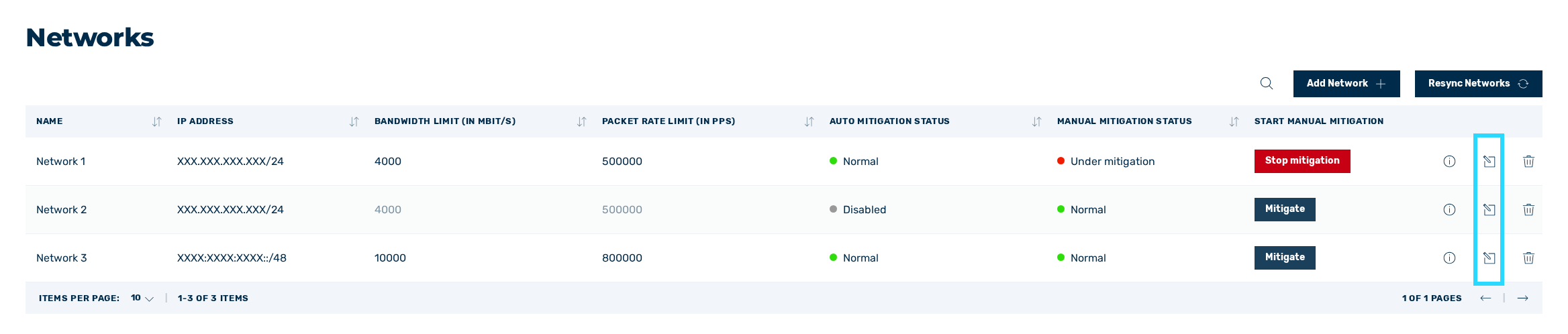
Icon for editing the network
- ► Click on the
 icon.
icon. - ↳ The Edit network dialog opens.
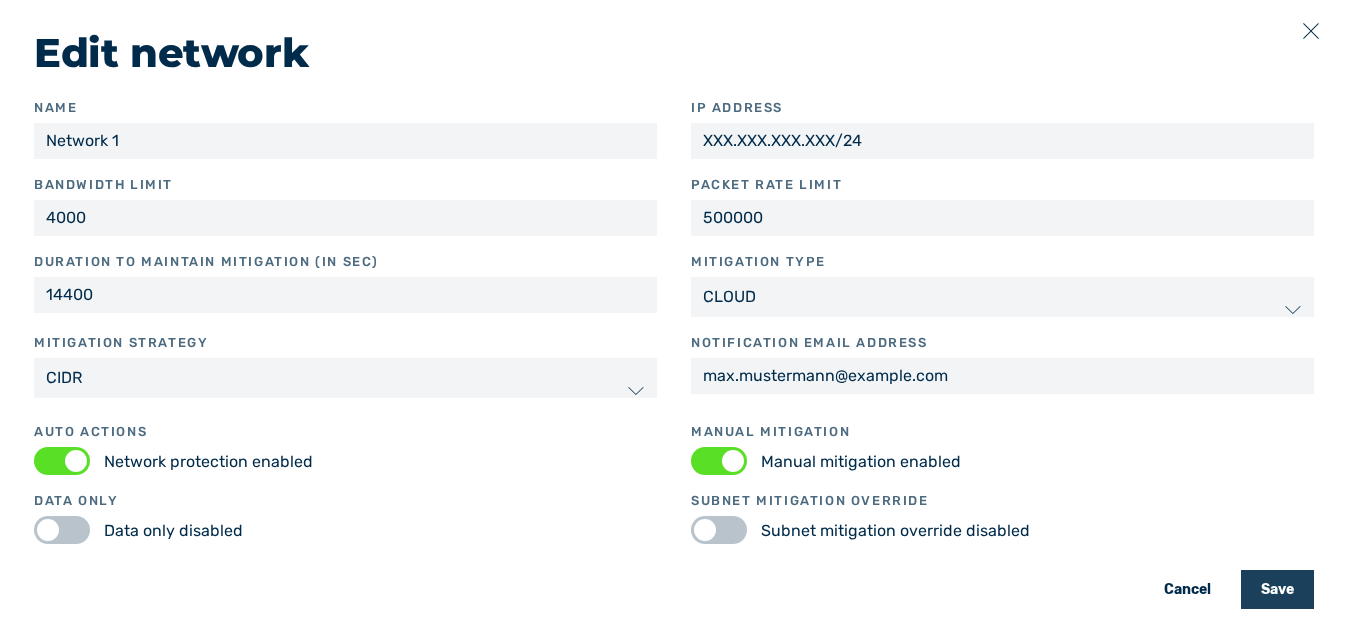
Edit network dialog
-
► Adjust the data as needed.
Note
If a mitigation is running, the manual mitigation cannot be disabled.
-
► Click on the Save button.
- ➔ A message confirms that the network settings have been successfully changed.