Creating API token
Proceed as follows to create an API token:
- ► Open the Myra DataHub.
- ► Log in.
- ► Open your personal account, see Personal account.
- ↳ The Personal account view opens.
- ► Click on the API tokens tab.

Enter the name and validity for the API token
- ► Navigate to the Create API token area.
-
► Enter a name in the text field under TOKEN NAME.
Note
The name of an API token should help you to better identify the different purposes of your API tokens.
-
► If required, define a validity period for the API token in the text field under EXPIRES IN DAYS.
Note
By default, an API token is valid for 90 days.
-
► Click on the Save button.
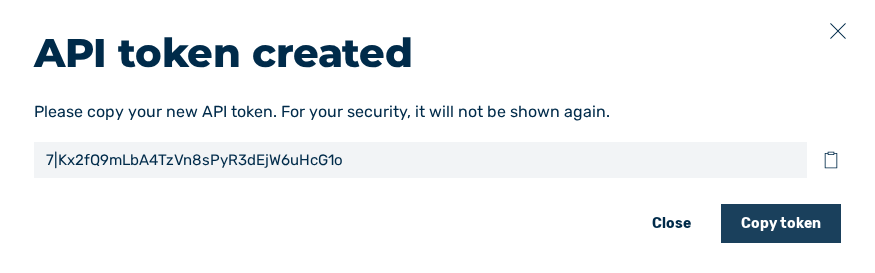
- ↳ The API token created dialog opens.
Enter the name and validity for the API token
-
► To copy the API token data, click on the icon
 next to each entry.
Note
The API token can only be viewed while a new API token is being created and must be stored in a safe place.
As soon as you click on the Close button in the API token created dialog, you can only view the name, the creation date, and the expiry date.
If you have lost the token, you must generate a new API token.
-
► To close the dialog, click on the Close button.
- ➔ The new API token appears in the list of all API tokens and can be used immediately.